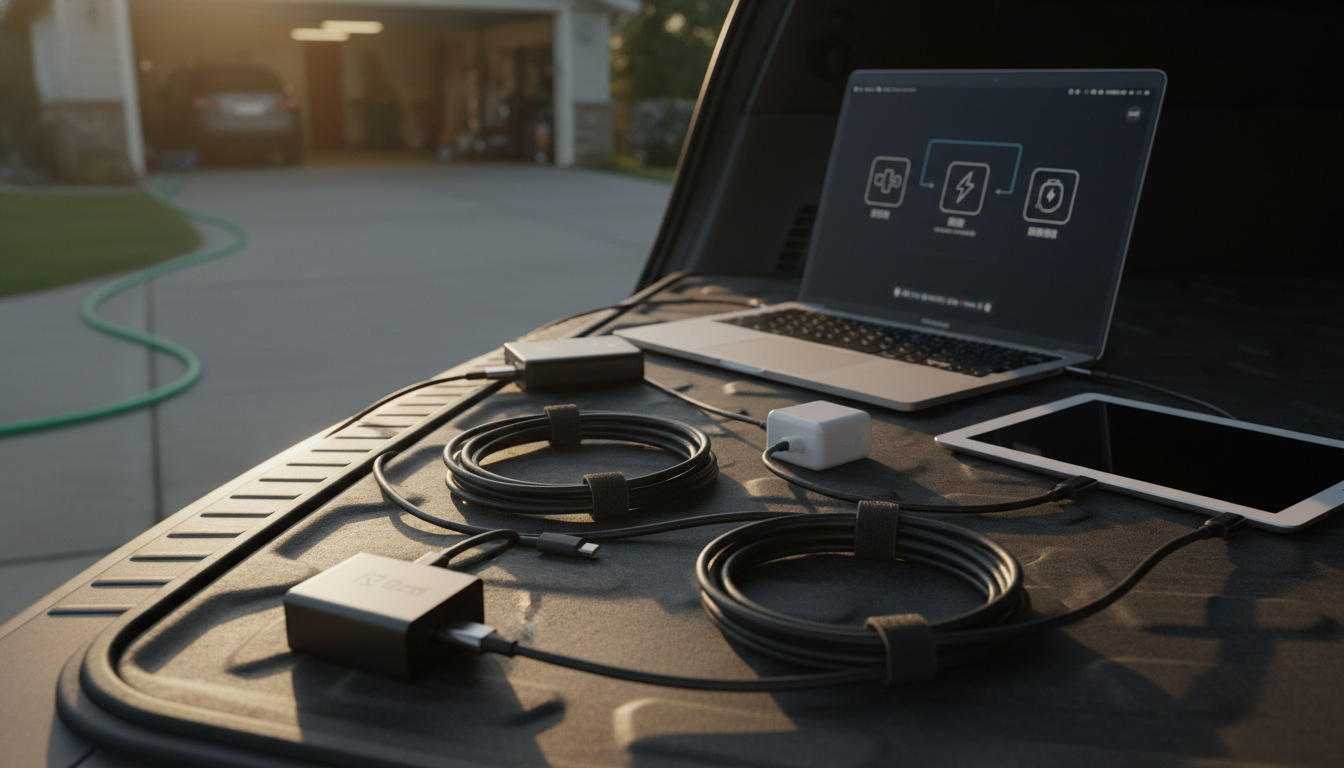
USB-C describes the connector shape, but Power Delivery (PD) describes the charging “language” the port and charger use to negotiate higher power. To know if your USB-C supports PD, look for a few reliable indicators on the device, charger, cable, and packaging.
On chargers and power banks, PD is often printed as “PD,” “USB PD,” or “Power Delivery,” along with output profiles like 5V/3A, 9V/3A, 15V/3A, or 20V/5A. If you see higher-voltage options (9V, 15V, 20V) listed for the USB-C port, that’s a strong sign it’s using PD rather than basic 5V USB charging.
Laptops, tablets, and many modern phones list “USB-C Power Delivery” in their tech specs. If the manufacturer states “USB-C PD charging” or provides a recommended wattage (like 45W, 65W, or 100W) over USB-C, the device is designed to negotiate PD when paired with a compatible charger and cable.
A small inline USB-C power meter can show real-time voltage and current. If the meter reports the connection stepping up from 5V to 9V/15V/20V during charging, that indicates PD negotiation is happening (assuming your setup supports it).
Even with a PD charger and PD device, the cable can be the limiter. For charging above 60W (up to 100W), you typically need a 5A E‑Marked USB-C to USB-C cable. A non–E‑Marked cable may cap power or behave inconsistently. For a deeper breakdown of PD 3.0, 5A cables, and what markings matter, see this guide: https://mrsmattie.com/blog/guide-100w-usb-c-to-usb-c-cable-pd-3-0-qc-4-0-5a-explained/.
No. USB-C is just the connector type; charging speed depends on the charger, device, and cable supporting a fast-charging standard like USB Power Delivery and the wattage they can negotiate.







Leave a comment