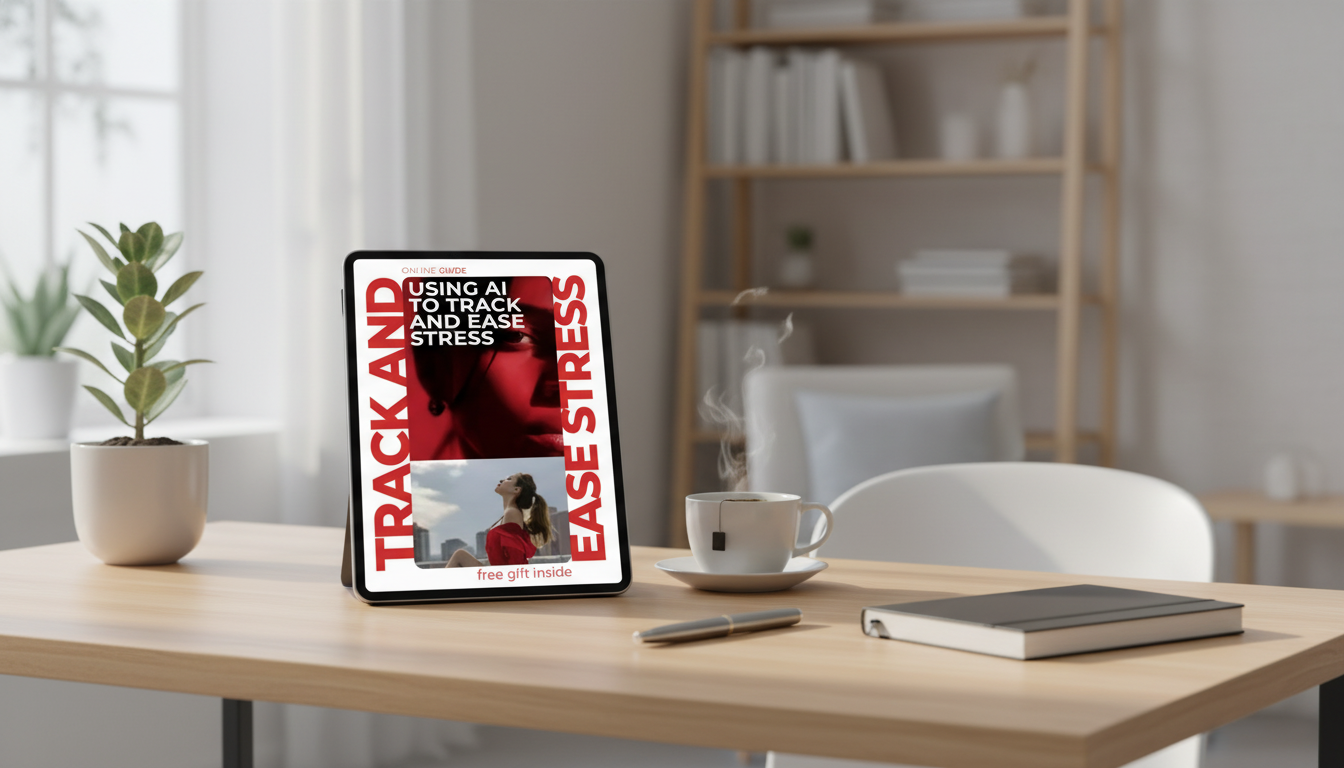
Stress can feel vague until it’s measured. A simple AI-assisted routine can help you spot patterns (sleep, workload, caffeine, screen time), turn those insights into small daily adjustments, and build calmer habits without adding another overwhelming task. The goal isn’t perfect tracking—it’s creating just enough structure to notice what’s pushing you toward overload and what reliably brings you back down.
AI stress tracking works best when it’s lightweight and consistent. Think of it as a quick check-in plus a weekly recap that turns your notes into patterns you can act on.
If you want a plug-and-play structure you can copy into notes, our digital download Using AI to Track and Ease Stress – Practical Guide (Digital Download) lays out a simple daily/weekly flow and examples you can adapt to your routine.
A baseline is simply “what’s normal lately.” You’re not trying to fix anything yet—just gathering a week of consistent signals so your patterns aren’t guesswork.
If sleep is a major driver for you, it helps to keep the baseline honest—especially around bedtime consistency. The CDC’s overview on sleep basics is a helpful reference for what supports healthy sleep patterns: CDC: Sleep and Sleep Disorders.
Tracking works when you focus on a few repeatable fields: what you felt, what likely triggered it, and what you did next. Over time, you’ll see your “stress signature”—how it shows up in your body and which situations predict it.
| Field | Example options | Why it matters |
|---|---|---|
| Stress (0–10) | 2, 5, 8 | Creates a consistent metric for trends |
| Body signal | tight chest, headache, jaw clench | Shows how stress manifests physically |
| Primary trigger | workload, conflict, noise, screens | Helps identify repeat causes |
| Buffer used | walk, breathing, music, boundary | Connects actions to outcomes |
| Sleep quality | poor / ok / good | Often predicts next-day stress sensitivity |
AI becomes useful when it’s doing the boring part: scanning your notes for repeat patterns. Keep your data minimal and avoid sensitive identifiers; you’re looking for trends, not documenting your entire life.
For a grounded overview of what stress is and how it commonly affects the mind and body, the American Psychological Association’s stress resources are a reliable starting point.
One underrated buffer is reducing environmental friction. If mess and visual clutter are a consistent trigger, a short, structured cleaning routine can double as a calming reset. The digital download Clean Faster, Stay Calm – A Stress-Free Speed Cleaning Guide for Busy Homes is designed for quick wins without turning cleanup into an all-day project.
For a clear, public-health overview of stress and when it matters, see National Institute of Mental Health: 5 Things You Should Know About Stress.
Notes apps, simple spreadsheets, wearable summaries, and journaling tools can all work—what matters most is choosing something you’ll use consistently. Keep entries minimal and avoid sensitive personal identifiers so your tracking stays private and sustainable.
AI can highlight patterns and language cues in your notes, but it can’t diagnose anxiety, burnout, or any medical condition. If symptoms are persistent, worsening, or impairing daily life, a clinician can help interpret trends in the right context.
Track a 0–10 stress score, one trigger word, one body signal, and whether you used a buffer. The weekly review is where those tiny entries turn into usable insights about what to change.






Leave a comment