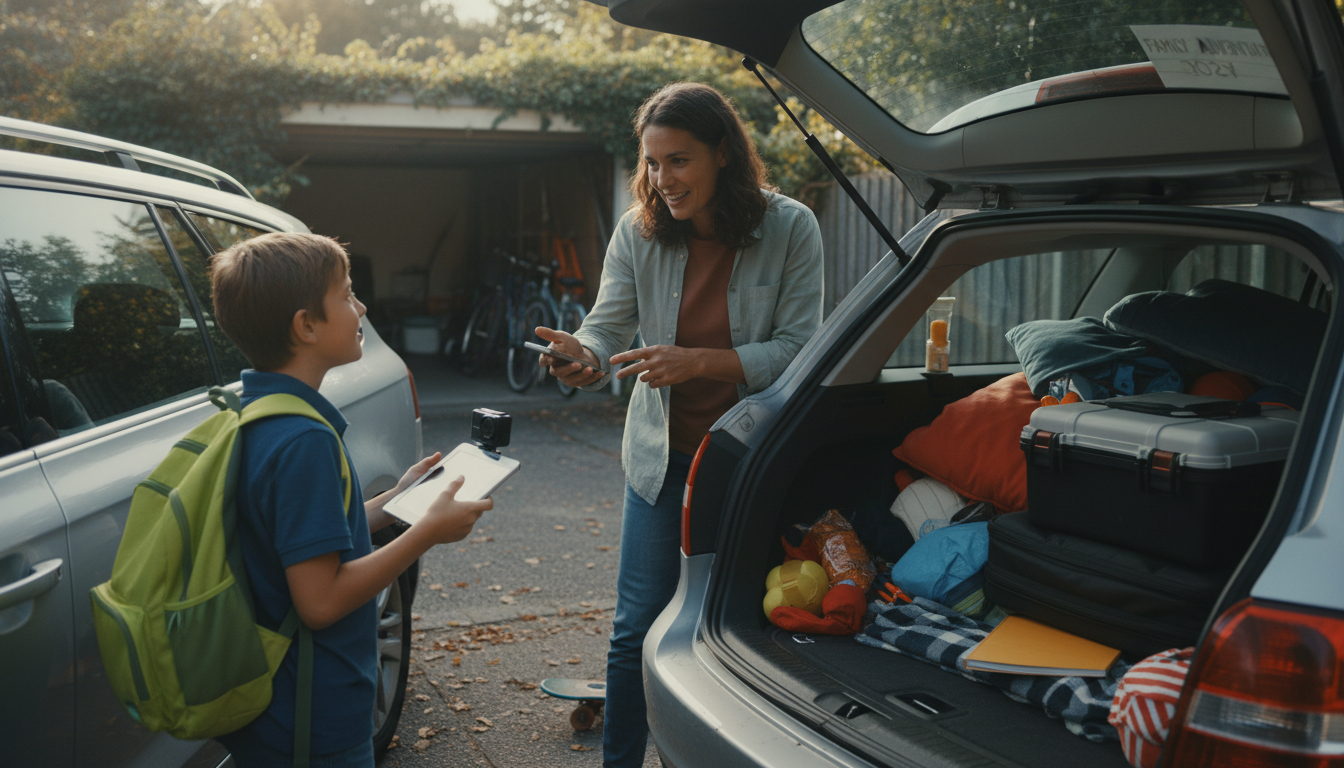
A 10-year-old can appear on YouTube safely, but having their own channel should be treated as a supervised family project—not an independent account they run alone. YouTube’s policies and U.S. privacy expectations (including COPPA-related considerations) make it important that a parent controls the Google account, publishing settings, and access to messages, comments, and analytics.
If your child is eager, a safer approach is: you own the channel, you upload the videos, and your child helps create content under clear rules. This reduces the risk of sharing personal info, interacting with strangers, or facing pressure from views and comments.
Privacy: Avoid showing school names, sports jerseys, street signs, schedules, or real-time locations. Use first names only and keep backgrounds neutral.
Safety settings: Consider turning comments off (or holding them for review), disabling direct contact, and carefully managing livestreaming (often best avoided for kids).
Emotional readiness: Kids can take criticism personally. Decide how you’ll handle negative feedback, teasing, or sudden attention.
Time and boundaries: Set recording/editing windows, homework-first rules, and a “no filming friends” policy without written parent permission.
It’s usually a good idea only if you can commit to ongoing supervision: you approve every upload, review footage for accidental personal details, and maintain a simple content plan (topics your child enjoys that don’t require sharing private information). If you want a more structured, parent-led setup—especially if the channel might grow over time—use this step-by-step guide to building a channel the right way: YouTube channel setup guide.
If you can’t regularly monitor activity, respond to issues quickly, or keep your child’s identity protected, it’s better to wait and redirect their creativity to offline filming, private sharing, or a family-only channel.
Film away from identifiable landmarks, remove uniforms and name tags, avoid saying the city or school, and check the background for mail, street signs, and schedules before posting.







Leave a comment