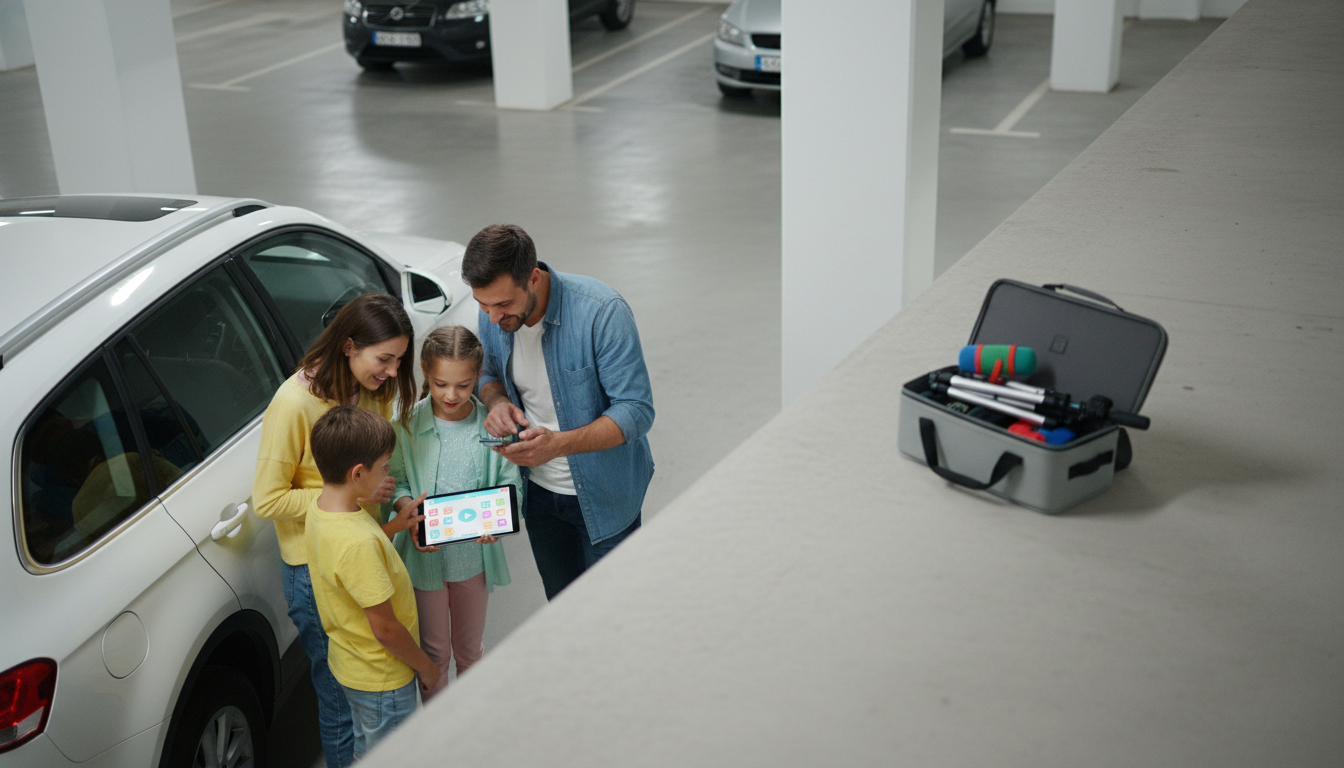
Making a YouTube channel can be fun, but kids should do it with a parent or trusted adult. YouTube has age rules and privacy settings that matter, and an adult can help set everything up safely and correctly.
Before creating anything, agree on what should never be shared: last name, school name, address, phone number, or where you go after school. Decide if comments will be turned off, and set a rule that a parent reviews videos before they’re posted.
YouTube channels are connected to Google accounts. A parent can create and manage the account, then decide how the channel will be supervised. This is also the time to set a strong password and turn on two-step verification.
Open YouTube, sign in, and choose “Create a channel.” Pick a channel name that doesn’t include personal info. Add a simple description like what kinds of videos will be shared (games, crafts, drawing, science experiments).
Choose a friendly icon (like a drawing or mascot) instead of a close-up face photo. Keep the banner simple and readable so it looks good on phones and tablets.
With a parent, review YouTube Studio settings: audience (“made for kids” if appropriate), comments, and who can manage the channel. Consider keeping videos unlisted at first so only people with the link can watch.
Write a quick outline: intro, what you’ll show, and a short ending. Record in a quiet place with good light. Check the background for personal items like mail, school papers, or street signs.
Upload the video, add a clear title, and pick a thumbnail. A parent should do the final review before publishing. For a deeper walkthrough of channel setup choices and best practices, visit this YouTube channel setup guide.
Kids should avoid sharing their last name, school, address, phone number, daily schedule, or location details. It’s also smart to hide personal items in the background that could reveal private information.







Leave a comment