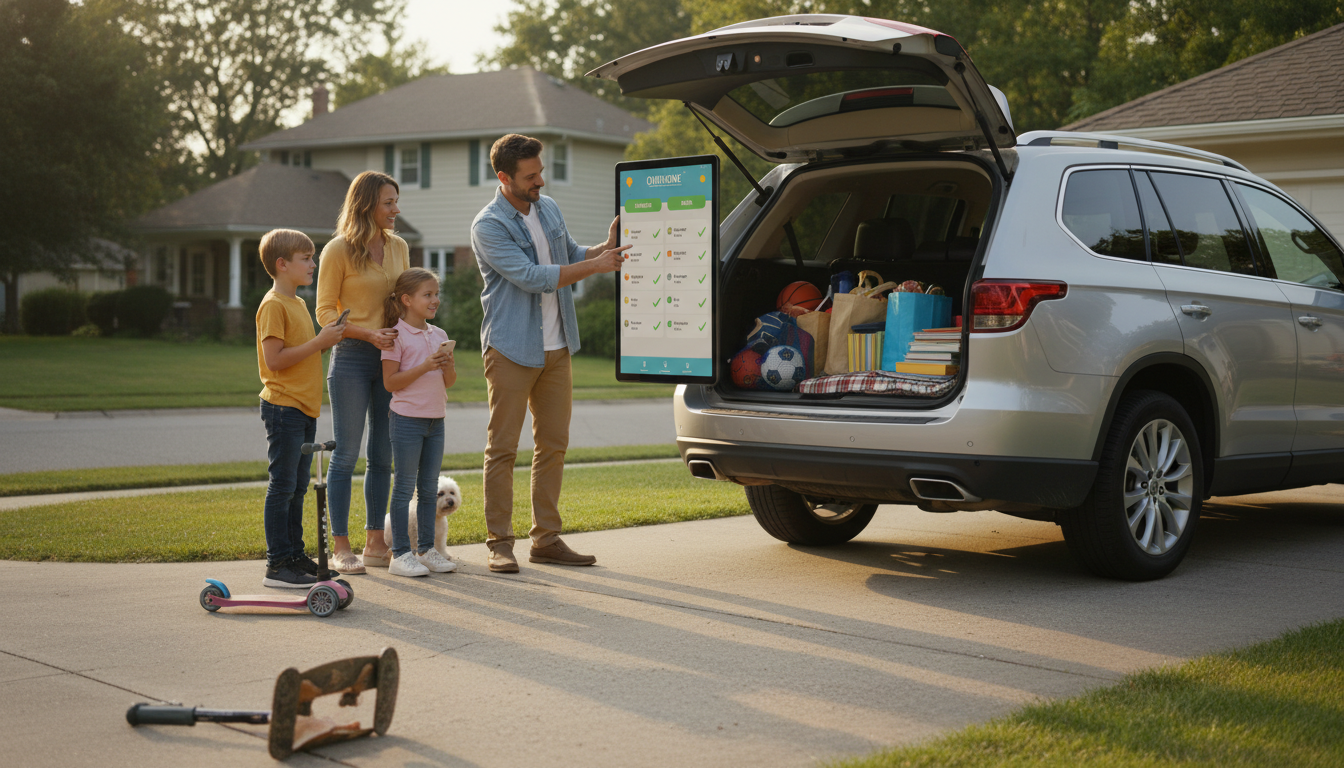
A popular free chore app for parents and kids is OurHome. It’s designed for families who want one shared place to list chores, assign them to specific kids, and track completion day to day. Many families also use Google Keep or Trello for a free, flexible checklist setup, but OurHome is purpose-built for chores and routines.
The best free chore apps do three things well: they make chores obvious (no one can claim they didn’t know), they make responsibility clear (each task has an owner), and they make follow-through simple (check it off and move on). Look for features like recurring tasks, reminders, and a family dashboard that everyone can understand at a glance.
Start with a short list of high-impact chores tied to real routines—morning, after school, and bedtime—rather than a long “someday” list. Assign age-appropriate tasks, keep due times realistic, and review the list together once a week so kids feel included. If the app has points or rewards, treat them as a bonus, not the only reason to help; consistency matters more than prizes.
Even the best app can’t fix chores that don’t fit a child’s age or ability. A simple way to reduce pushback is matching tasks to what kids can realistically handle, then slowly adding responsibility as they grow. For a helpful breakdown of chores by age and an easy, kid-friendly system that supports daily cleaning habits, see this guide to a kid-friendly chore system.
Choose tasks that match your child’s motor skills and attention span, then teach the steps once and keep expectations consistent. Start small and add responsibility gradually as the routine sticks.






Leave a comment