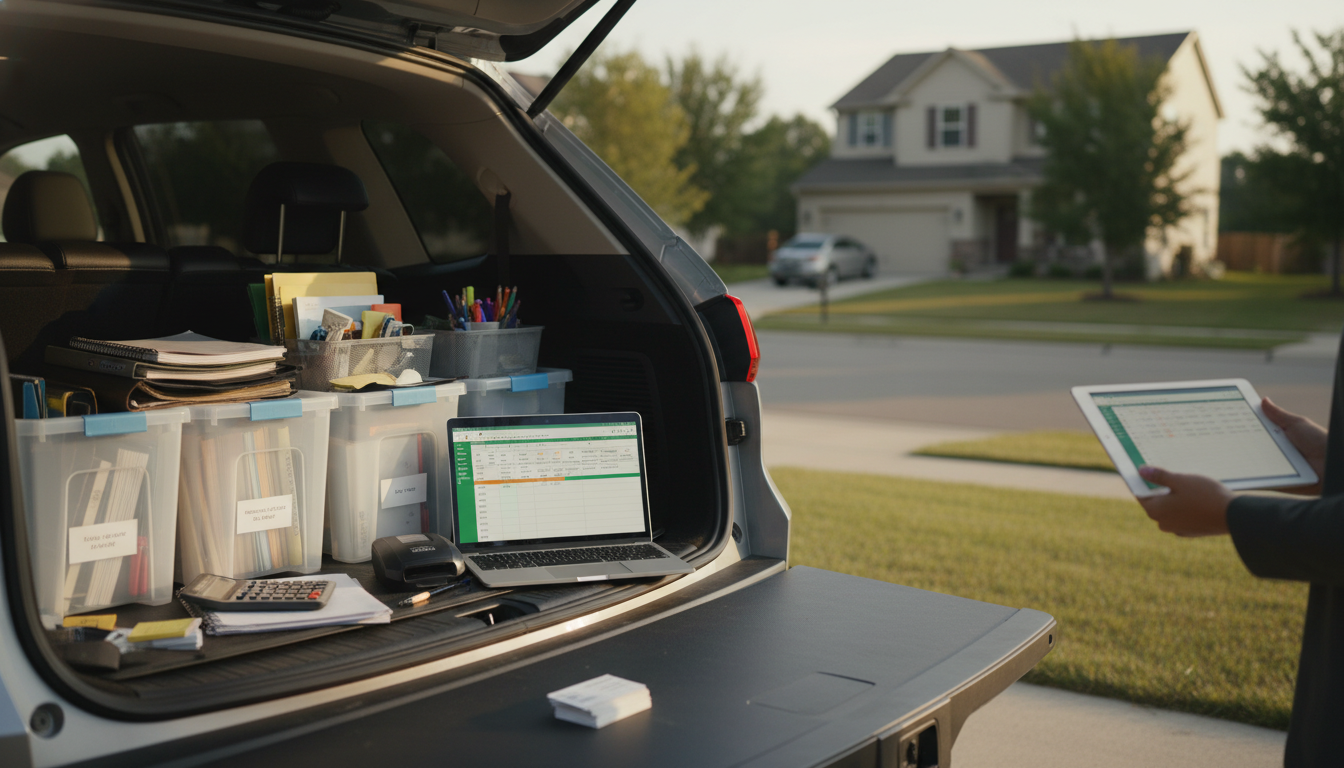
Yes. Microsoft Excel includes several built-in budget templates that can work for a business, such as a “Business budget,” “Small business budget,” cash flow-style worksheets, and basic expense trackers. You can find them in Excel by going to File > New and searching for “business budget” or “budget.” Many templates are also available through Microsoft’s online template gallery, which opens inside Excel.
An Excel template is a solid starting point, but it’s most helpful when it matches how money actually moves through the business. Start by confirming the time period (monthly is easiest to maintain), then rename categories so they reflect real spending and income streams. Common edits include separating fixed costs (rent, software subscriptions, insurance) from variable costs (inventory, shipping, ads), and adding one-time expenses (equipment, legal fees, initial setup).
Next, set up simple “actual vs. planned” tracking. Most templates already have planned columns; add an “Actual” column if it’s missing, then update it weekly so small issues don’t become end-of-month surprises. If the template doesn’t include a cash balance, add a running cash line so the budget reflects timing—not just totals.
Templates can feel polished but still miss what a small business needs most: clarity on priorities and tradeoffs. If the template is confusing, overly complex, or doesn’t help with decisions, it’s worth rebuilding it around your business model. A clean, custom budget can be created quickly by listing predictable expenses, estimating variable costs, and mapping income conservatively.
For a straightforward way to build a small business budget from the ground up (even if you start in Excel), follow this step-by-step guide: https://mrsmattie.com/guide-build-small-business-budget-one-weekend/.
A budget is a plan for income and expenses over a period, while a cash flow forecast estimates when money will actually enter and leave your account. Cash flow focuses on timing, which helps prevent shortfalls even when you’re profitable on paper.






Leave a comment