
USB-C Power Delivery (USB-C PD) is designed for charging and power negotiation, not for sending video by itself. That means a cable or port labeled “PD” can fast-charge a laptop, tablet, or phone, but it won’t automatically support display output unless the USB-C connection also supports a video-capable mode.
To run a monitor from a USB-C port, you typically need one of these features in addition to (or alongside) PD:
PD and display features often coexist on the same USB-C connection. A typical “one-cable” setup for a laptop dock or USB-C monitor uses PD to charge the laptop while DP Alt Mode or Thunderbolt carries video to the display. This is why a USB-C monitor can charge your laptop and show video at the same time—those are separate capabilities sharing one port.
Look for the exact video standard, not just “PD.” Product listings should explicitly mention “DisplayPort Alt Mode,” “Thunderbolt,” “USB4,” or a supported resolution/refresh rate. Also confirm your device’s USB-C port supports video output; many phones and some budget laptops offer USB-C charging/data only.
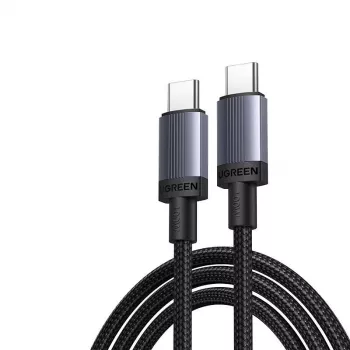
For a deeper breakdown of USB-C PD charging (including what “100W” really means and how to choose the right cable), see this USB-C PD cable guide.
Not necessarily. Power rating describes charging capability, while video requires DP Alt Mode, Thunderbolt/USB4 video support, or a DisplayLink-based adapter, plus a cable rated for the needed data mode.






Leave a comment