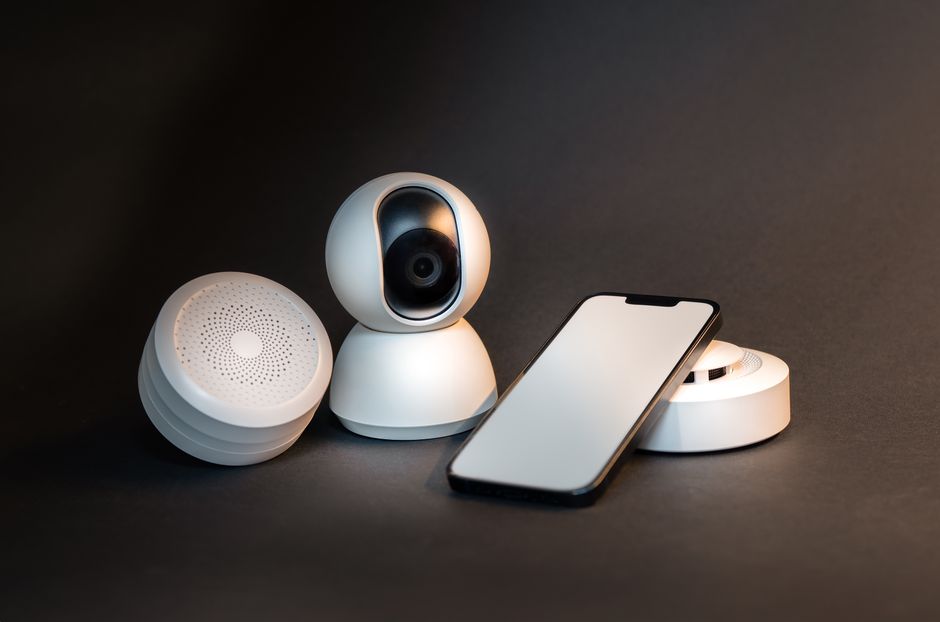
The modern home has become a hub of interconnected technology, where smart devices work together to create seamless, convenient living experiences. As we move through 2026, the landscape of smart home technology has evolved dramatically, making it easier than ever to transform your living space into an intelligent, responsive environment. However, successfully integrating these devices into your home network requires careful planning, proper setup, and an understanding of how various technologies communicate with each other.
Whether you’re just beginning your smart home journey or looking to expand your existing setup, understanding the fundamentals of device integration will help you create a cohesive system that enhances your daily life rather than complicates it.
Before adding any smart devices to your home, it’s essential to evaluate your current network infrastructure. Your home network serves as the backbone for all your smart devices, and its quality directly impacts their performance and reliability.

Most smart home devices operate on Wi-Fi, specifically the 2.4 GHz or 5 GHz frequency bands. The 2.4 GHz band offers better range and wall penetration, making it ideal for devices spread throughout your home, while the 5 GHz band provides faster speeds but shorter range. Many newer devices support dual-band connectivity, automatically selecting the best option for their location and bandwidth needs.
Your router is the central nervous system of your smart home ecosystem. If you’re experiencing connectivity issues or have an older router, upgrading to a modern Wi-Fi 6 or Wi-Fi 6E router can significantly improve performance. These newer standards offer better device capacity, reduced latency, and improved efficiency when handling multiple simultaneous connections.
For larger homes or those with connectivity dead zones, mesh network systems provide excellent coverage by using multiple access points that work together seamlessly. This ensures your smart devices maintain strong, stable connections regardless of their location in your home.
Security should be your top priority when integrating smart devices into your home network. Each connected device represents a potential entry point for cyber threats, making network security more critical than ever.

Start by changing all default passwords on your router and smart devices. Strong passwords should be unique for each device and include a combination of letters, numbers, and special characters. Consider using a password manager to keep track of these credentials securely.
Many modern routers allow you to create separate network segments. Creating a dedicated guest network for your smart home devices isolates them from your primary network where you access sensitive information like banking or personal files. This segmentation limits potential damage if a smart device becomes compromised.
Enable network encryption, preferably WPA3 if your router supports it, or at minimum WPA2. Regularly update your router’s firmware and enable automatic updates for your smart devices whenever possible. Manufacturers frequently release security patches that address newly discovered vulnerabilities.
Consider implementing two-factor authentication on smart home apps and accounts. This additional layer of security requires both your password and a secondary verification method, significantly reducing the risk of unauthorized access to your devices and the data they collect.
The smart home market offers thousands of devices, but not all work seamlessly together. Understanding compatibility before making purchases saves frustration and ensures a cohesive system.
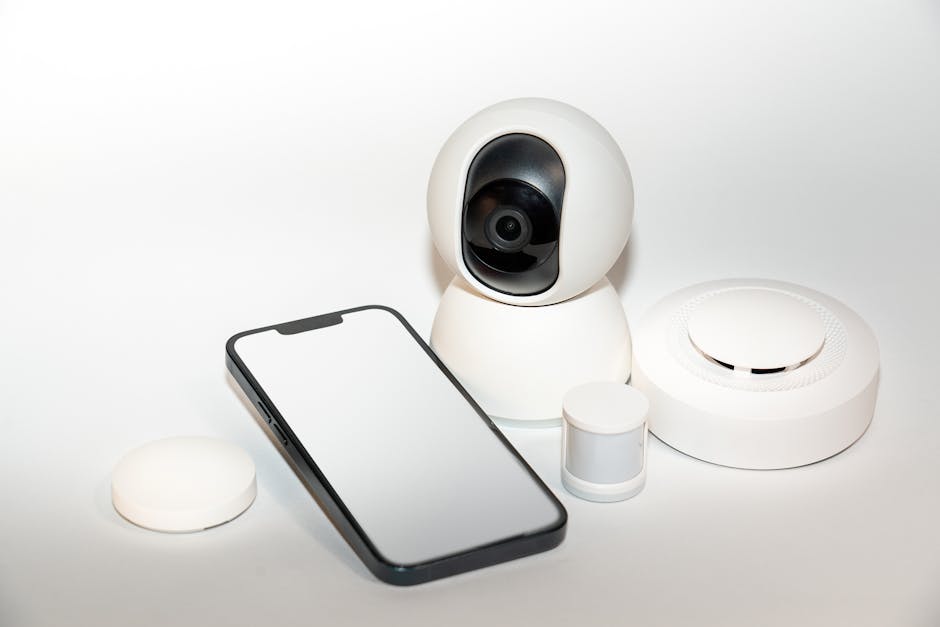
Major smart home ecosystems include Amazon Alexa, Google Home, Apple HomeKit, and Samsung SmartThings. Each platform has strengths and limitations, with varying levels of device support. While many devices now support multiple platforms, choosing a primary ecosystem helps streamline control and automation.
Look for devices that support Matter, the industry-standard protocol introduced to improve interoperability between different brands and platforms. Matter-certified devices can communicate across ecosystems, reducing the likelihood of compatibility issues and future-proofing your investment.
Consider the communication protocols your devices use. Wi-Fi devices connect directly to your router, while Zigbee and Z-Wave devices require a hub but consume less power and create mesh networks that extend range. Thread is another emerging protocol that offers low-power, reliable communication specifically designed for smart home applications.
When expanding your smart home, research each device’s integration capabilities. Read reviews from users who have similar setups, and verify that new devices will work with your existing ecosystem before purchasing.
Proper setup and organization make the difference between a frustrating smart home experience and one that truly enhances your lifestyle. Take time to methodically add devices to your network and configure them thoughtfully.
Start with essential devices like smart speakers or hubs that serve as control centers for your ecosystem. Install the manufacturer’s app and create an account, then follow the setup process carefully. Most devices use straightforward app-based configuration that guides you through connection to your Wi-Fi network.
Assign clear, descriptive names to each device that reflect its location and function. Instead of generic names like “Light 1,” use specific identifiers like “Living Room Floor Lamp” or “Bedroom Ceiling Fan.” This naming convention becomes invaluable when controlling devices through voice commands or creating automation routines.
Organize devices into rooms or zones within your smart home app. This logical grouping allows you to control multiple devices simultaneously with single commands, such as “turn off all bedroom lights” or “set living room to movie mode.” Most platforms support custom grouping beyond just rooms, enabling you to create specialized scenes for different activities.
Document your setup as you go. Keep a list of device names, network details, and account credentials in a secure location. This documentation proves invaluable for troubleshooting, adding new devices, or helping family members understand the system.
As your collection of smart devices grows, managing network performance becomes increasingly important. Each device consumes bandwidth and competes for router resources, potentially affecting overall network quality.
Most modern routers include Quality of Service features that let you prioritize certain types of traffic. Configure QoS settings to ensure critical activities like video calls or streaming maintain consistent performance even when numerous smart devices are active.
Monitor your network regularly to identify devices consuming excessive bandwidth or behaving abnormally. Many routers offer built-in monitoring tools, while third-party applications provide more detailed analytics. Unusual data usage patterns might indicate a compromised device or malfunction requiring attention.
Position your router centrally in your home, elevated if possible, to maximize coverage. Keep it away from thick walls, metal objects, and other electronics that might cause interference. For devices that don’t require constant connectivity, consider scheduling when they connect to reduce network congestion during peak usage times.
Regularly restart your router and smart home hubs to clear temporary issues and maintain optimal performance. Setting a monthly reminder to perform this simple maintenance task prevents many common connectivity problems before they become frustrating.
The true power of a smart home emerges when devices work together automatically, responding to your needs without constant manual input. Thoughtful automation transforms individual gadgets into an integrated system that anticipates and adapts to your lifestyle.
Start with simple, practical automations that address daily routines. Morning routines might gradually increase bedroom lighting, adjust the thermostat, and start your coffee maker at a specific time. Evening routines could lock doors, dim lights, and adjust bedroom conditions to optimize sleep.
Use sensors to trigger contextual actions. Motion sensors can activate pathway lighting when you enter a room at night, while door sensors might trigger security cameras or send notifications when someone arrives home. Temperature and humidity sensors enable climate control devices to respond to actual conditions rather than preset schedules.
Consider geofencing automation that responds to your location. Your home can automatically adjust settings when your phone enters or leaves a defined geographic area, ensuring comfortable conditions upon arrival while conserving energy when everyone is away.
Avoid over-automation that removes useful control or creates unpredictable behavior. The goal is enhancing convenience and efficiency, not creating a system that feels like it has a mind of its own. Always maintain manual override options for critical functions.
Even well-planned smart home systems occasionally encounter issues. Understanding common problems and their solutions helps you maintain a reliable, functional network of devices.
Connectivity problems represent the most frequent complaint. If a device repeatedly disconnects, verify its distance from your router or nearest mesh node. Wi-Fi signal strength directly affects reliability, and relocating either the device or adding a network extender often resolves persistent connection issues.
Interference from neighboring networks can degrade performance, particularly in dense residential areas. Use your router’s administration interface to scan for less congested Wi-Fi channels and switch to one with minimal interference. The 2.4 GHz band typically offers 11 channels, with channels 1, 6, and 11 providing the least overlap.
When devices fail to respond to commands, check whether they require firmware updates. Outdated software frequently causes compatibility issues with newer platform features or other devices. Enable automatic updates when available to prevent this common problem.
If your smart home platform becomes unresponsive or automation stops working, unlinking and relinking devices often resolves synchronization issues. While this requires reconfiguring settings, it’s frequently the most effective solution for mysterious behavior that persists despite other troubleshooting efforts.
For persistent problems, consult manufacturer support resources and user communities. Online forums dedicated to specific platforms or devices often contain solutions from users who have encountered and solved identical issues.
Integrating smart devices into your home network represents an investment in comfort, convenience, and modern living. While the process requires thoughtful planning and attention to detail, the result is a responsive environment that adapts to your needs and preferences throughout the day.
Success begins with a robust network foundation, continues through careful device selection and security implementation, and ultimately manifests in meaningful automation that genuinely enhances daily life. As technology continues evolving, the smart home ecosystem becomes increasingly accessible and capable, offering new opportunities to customize your living space.
At Mrs Mattie, we understand that creating an intelligent home environment goes beyond simply purchasing devices. For instance, maintaining a well-organized office can significantly improve not only your environment but also your smart home setup. It’s about thoughtfully curating products that work together harmoniously, elevating your lifestyle while maintaining simplicity and reliability. Whether you’re taking your first steps into smart home technology or expanding an existing system, the principles outlined in this guide will help you create a cohesive, secure, and truly smart living space that serves your unique needs for years to come. In line with this, we also offer home organization tips for small spaces that can complement your smart living, ensuring a clutter-free and efficient environment. Furthermore, to maximize the benefits of such an integrated system, you might be interested in learning how to improve daily productivity; a streamlined smart home can contribute greatly to this goal. And for those who enjoy a personal touch, consider some DIY home decor projects for renters to truly make your smart home feel like your own.




Leave a comment