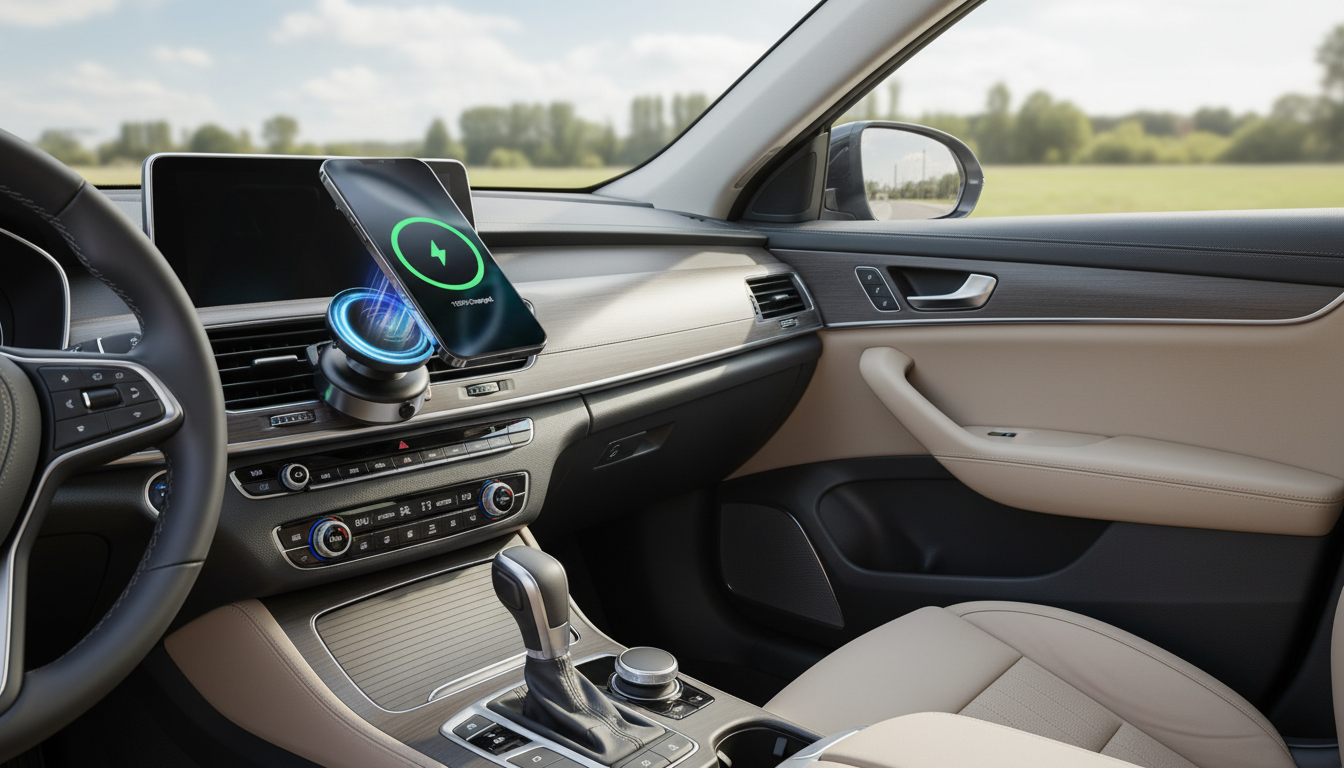
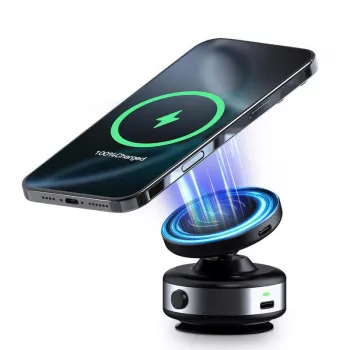
A reliable car mount should keep an iPhone steady over bumps, align the charger coil correctly, and make one-handed docking effortless. The Electric Magnetic Car Phone Holder with 15W Wireless Charging for iPhone combines magnetic guidance with an electric clamp so your phone stays centered and secure while delivering up to 15W of wireless power—helpful for drivers who want a cleaner setup without plugging in a cable every time they start the car.
Some mounts rely on gravity arms or a simple magnetic puck, which can work—until a rough road knocks the phone slightly off-center and charging becomes inconsistent. This design takes a more “lock-and-align” approach so your iPhone stays put and remains positioned for wireless charging.
Daily driving puts a mount through constant micro-movements—vibration from the road, repeated temperature swings, and frequent on/off handling. The features below are the practical ones that tend to make the difference between “works sometimes” and “works every commute.”
If you want the technical baseline on magnetic iPhone accessories and wireless charging behavior, Apple’s guidance on MagSafe for iPhone and wireless charging basics is a helpful reference. (Most wireless chargers follow Qi standards, maintained by the Wireless Power Consortium.)
Use the checklist below to confirm fit with an iPhone setup (case style, charging expectations, and mounting preference). For best results, pair with a quality car power adapter capable of supplying sufficient wattage to the charger.
| Item | What to look for | Why it matters |
|---|---|---|
| Charging output | Up to 15W wireless | Higher headroom helps maintain charge while running navigation and music |
| Phone alignment | Magnetic centering + clamp hold | Better coil alignment can improve charging consistency and reduce dropouts |
| Case compatibility | Magnetic (MagSafe-style) case or ring/plate as needed | A strong magnetic interface helps prevent sliding and misalignment |
| Power source | Strong car adapter + quality cable | Weak adapters can throttle charging and cause intermittent power |
| Mount placement | Vent/dash area with clear line of sight | Improves usability and can reduce distraction |
Most “wireless charging problems” in the car come down to three things: the phone isn’t centered, the power source is underpowered, or something is interfering with the charging surface. A quick, careful setup usually prevents all three.
For many drivers, the most comfortable placement is slightly below eye level and closer to the steering wheel side—high enough to glance at directions, low enough to avoid blocking the road view. After placement, do a quick “shake test” with the car parked: lightly tap the phone and confirm the clamp doesn’t bounce or drift.
The Electric Magnetic Car Phone Holder with 15W Wireless Charging for iPhone is currently in stock at $30.51 (USD). It’s a practical pick for drivers who want one-hand docking plus wireless charging without adding a separate magnetic charger and mount.
Yes—if the case supports MagSafe (or is explicitly magnetic wireless-charging compatible). Very thick cases, misaligned magnetic rings, or added metal plates can reduce charging reliability, so make sure the phone snaps into the center and charges steadily.
Generally yes for modern iPhones. The main issues are heat buildup during charging and stray items (like cards, coins, or mispositioned plates) caught between the phone and charger, so keep the surface clear and avoid direct sun when possible.
Connect it to a sufficiently powered adapter, mount it securely, then align the iPhone so the magnets pull it into place. If charging is inconsistent, confirm adapter wattage, check cable quality, and remove anything that blocks coil alignment.






Leave a comment