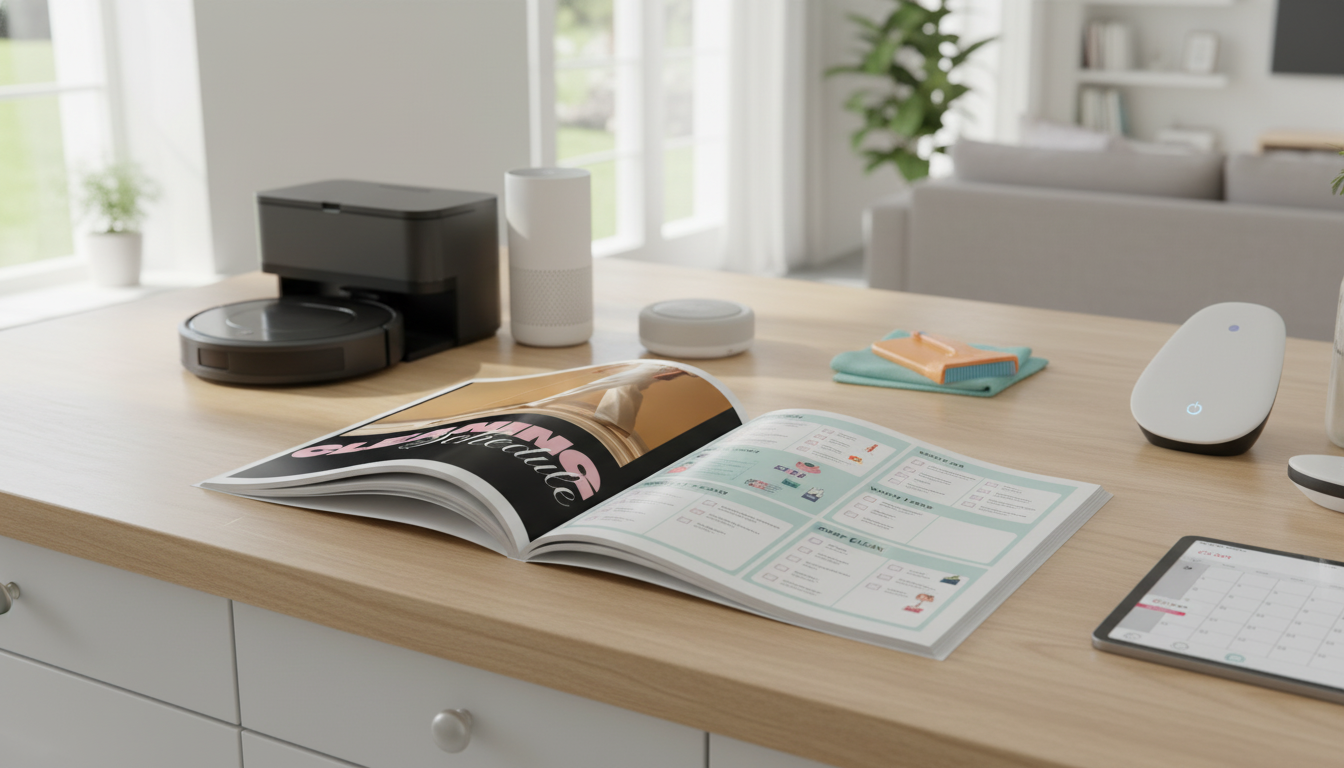
A cleaning schedule that “sticks” starts with one clear target: a home that runs smoothly. Instead of chasing a showroom look, define a “baseline clean” that feels comfortable—clear counters, an empty sink, and floors that are reasonably tidy. When the baseline is realistic, it’s easier to maintain, even during busy weeks.
Next, identify your friction points. These are the moments where mess tends to snowball: chaotic mornings, the post-dinner kitchen pileup, laundry that never gets folded, bathrooms that feel grimy too fast, pet hair tumbleweeds, or the entryway drop zone that eats your keys. Build your schedule around those pain points first.
A simple structure works best for most households: short daily resets, one deeper weekly focus, and light monthly maintenance. Flexibility matters, too. If you miss a task, roll it forward—don’t punish yourself by doubling tomorrow’s workload. Consistency beats intensity every time.
Think of cleaning as three layers that support each other. Daily tasks restore function, weekly tasks cover hygiene and appearance, and monthly tasks prevent the slow creep of grime and clutter. The magic is that each layer reduces the effort required by the next.
| Frequency | What to do | Time target | Notes that keep it easy |
|---|---|---|---|
| Daily | Dishes + sink reset; wipe high-use counters; quick sweep in main zone; 5-minute tidy | 10–20 min | Attach to existing routines (after dinner, before bed) |
| Weekly | Bathrooms; vacuum/mop; change sheets; dust main surfaces; laundry catch-up | 45–120 min total | Split across days or batch on one “home reset” day |
| Monthly | Wipe doors/switches; clean fridge shelves; descale kettle/coffee maker; wash shower curtain/liner; tidy one drawer/closet | 30–90 min | Set one weekend reminder and rotate rooms |
If you’re deciding where “cleaning” ends and “disinfecting” begins, aim for routine cleaning first and disinfect when it’s warranted (illness in the home, high-touch areas during outbreaks, etc.). The CDC offers practical guidance on cleaning and disinfecting that can help you set sensible standards without overdoing it: CDC: Cleaning and Disinfecting.
A zone plan keeps your schedule from turning into one endless list. Define 3–6 zones based on how you live: Kitchen, Bathrooms, Bedrooms, Living Areas, Entry/Laundry, and an Office (if you have one). Then assign one weekly focus per zone so nothing gets ignored for months.
Keep a short “high-traffic exception list”—the spots that need extra touch-ups no matter what zone is on deck. For many homes, that’s the kitchen floor, the main bathroom, and the entryway. In larger homes, consider alternating upstairs/downstairs weeks so your plan stays sustainable instead of exhausting.
Smart-home-friendly cleaning is less about fancy gadgets and more about well-timed prompts. Use your phone or smart speaker to set reminders for anchor tasks: trash night, sheets day, a quick bathroom reset, and monthly filter checks. Then build one or two timed routines that trigger a short checklist—like an “After Dinner Reset” at the same time on weekdays.
Automation can quietly handle the tasks that drain motivation. Schedule a robot vacuum after the school run, bump an air purifier during dusting, or set seasonal reminders for a dehumidifier in humid months. For indoor air and filtration basics, the EPA’s overview is a helpful reference: EPA: Guide to Air Cleaners in the Home.
Keep notifications minimal. Three to five recurring reminders is usually enough; beyond that, alerts turn into background noise and stop working.
The best checklist is short, visible, and specific about what “done” means. Separate “non-negotiables” from “nice-to-dos.” Non-negotiables are the tasks that protect tomorrow’s peace: dishes, trash, and a quick tidy. Nice-to-dos can rotate as time allows—organizing a shelf, polishing fixtures, or tackling a drawer.
In shared households, clarity prevents resentment. Assign ownership by zone (one person owns bathrooms) or by task type (one person owns floors). Also, store supplies where the task happens: keep a bathroom spray and microfiber cloth in each bathroom, and a small dust kit near the living room. Reducing “setup time” is often the difference between doing it and postponing it.
If allergies are an issue, include filter checks and vacuum canister/bag maintenance. When you’re adding smart devices to support routines, it’s also worth keeping security basics in mind—strong passwords, updates, and limiting unnecessary access. NIST’s consumer guidance hub is a solid place to start: NIST: IoT and Smart Home Cybersecurity Guidance.
If you want a schedule you don’t have to reinvent, use a done-for-you template as your “master plan.” The Smart Home Guide to Creating a Cleaning Schedule (digital download) makes it easy to fill in your zones, choose a weekly method, and stick with a daily/weekly/monthly rhythm that matches real life.
For days when time is tight, pair your schedule with a speed-clean routine. Clean Faster, Stay Calm – a stress-free speed cleaning guide is a helpful companion when you need a quick win without spiraling into an hours-long cleanup.
Smart homes can raise privacy and security concerns, add ongoing costs, and create frustration when devices aren’t compatible or Wi‑Fi/power is unreliable. Notification overload is also common; limiting alerts, keeping devices updated, and using strong, unique passwords reduces most issues.







Leave a comment