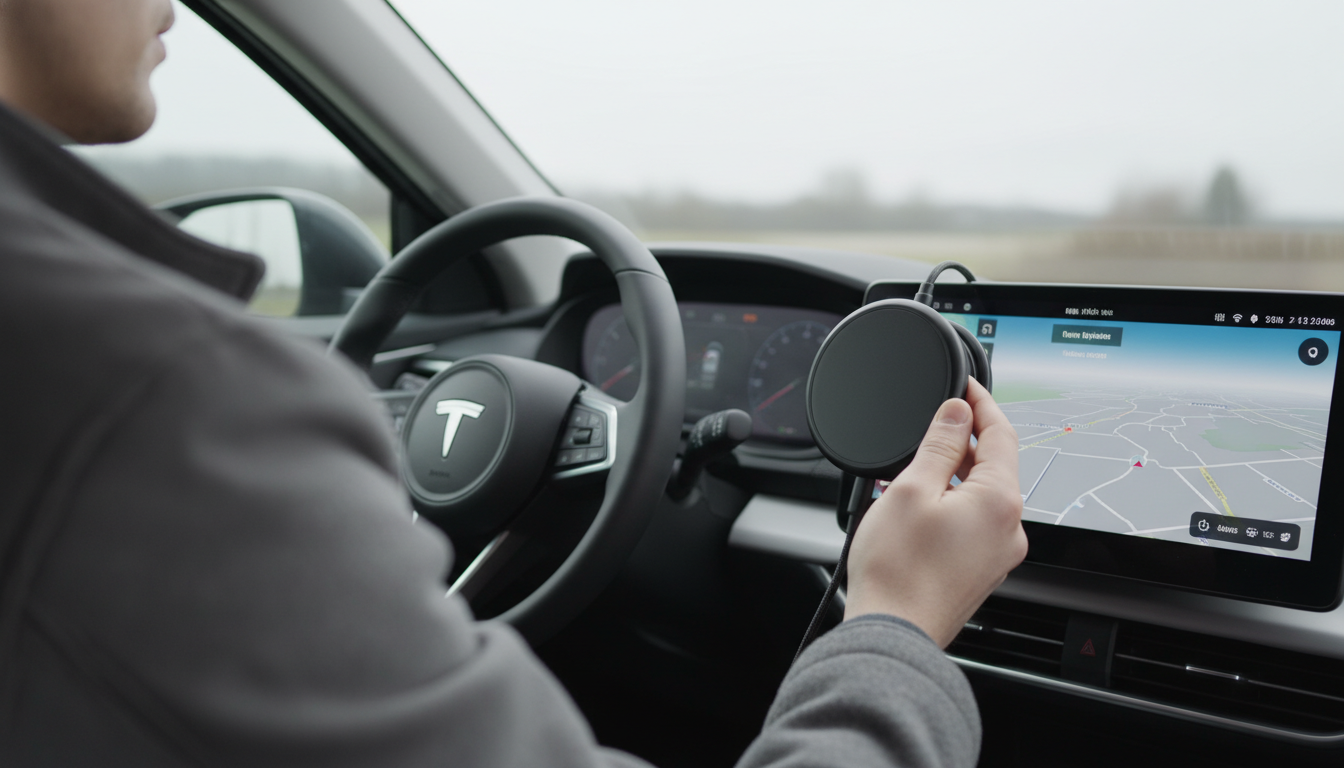
A Belkin magnetic wireless charger is designed to snap into place and deliver power through MagSafe-compatible alignment. To get the best speed and a secure hold, set it up with the right power adapter, mount it correctly (if it’s a stand or car mount), and align your phone’s magnetic ring to the charger’s center.
Start by plugging the charger’s USB-C cable into a compatible wall adapter or car power adapter. For faster charging (often up to 15W on MagSafe-style chargers), use a higher-watt USB-C Power Delivery adapter and a quality cable. If the charger powers on with an indicator light, confirm it shows normal status before placing your phone.
If you’re using a stand or pad, place it on a stable surface where the phone won’t get bumped off-center. If you’re using a magnetic car mount style charger, install it firmly on the vent, dash, or windshield mount point according to the mount’s clamp or adhesive instructions, then route the cable so it doesn’t pull on the charger when you drive.
For a deeper walkthrough on magnetic mounting and stable placement, see this guide to a 15W electric magnetic iPhone car mount with auto clamp.
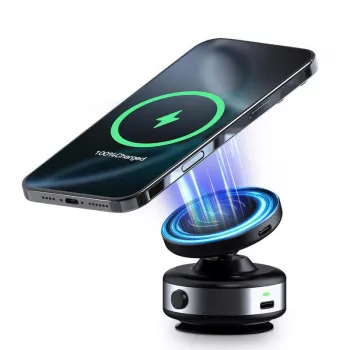
Hold your phone close to the charger face and let the magnets pull it into alignment. You should feel it “snap” into the centered position. If you’re using a case, make sure it’s MagSafe-compatible; thick or non-magnetic cases can cause weak attachment or slower charging.
Look for the charging icon on your phone screen. If charging starts and then stops, re-seat the phone to re-center the magnets and check that the cable and adapter are fully inserted. For best results, avoid metal cards, pop sockets, or thick attachments between the phone and charger, and keep the charger face clean and dry.
Keep the charger away from excessive heat and direct sunlight (especially in a car). If your phone gets warm during fast wireless charging, that can be normal, but persistent overheating usually means poor alignment, a restricted airflow location, or an underpowered adapter.
Most slow charging comes from an underpowered adapter, a non-MagSafe case, or misalignment. Use a USB-C PD adapter with adequate wattage, remove thick accessories, and re-center the phone until it locks into place firmly.






Leave a comment