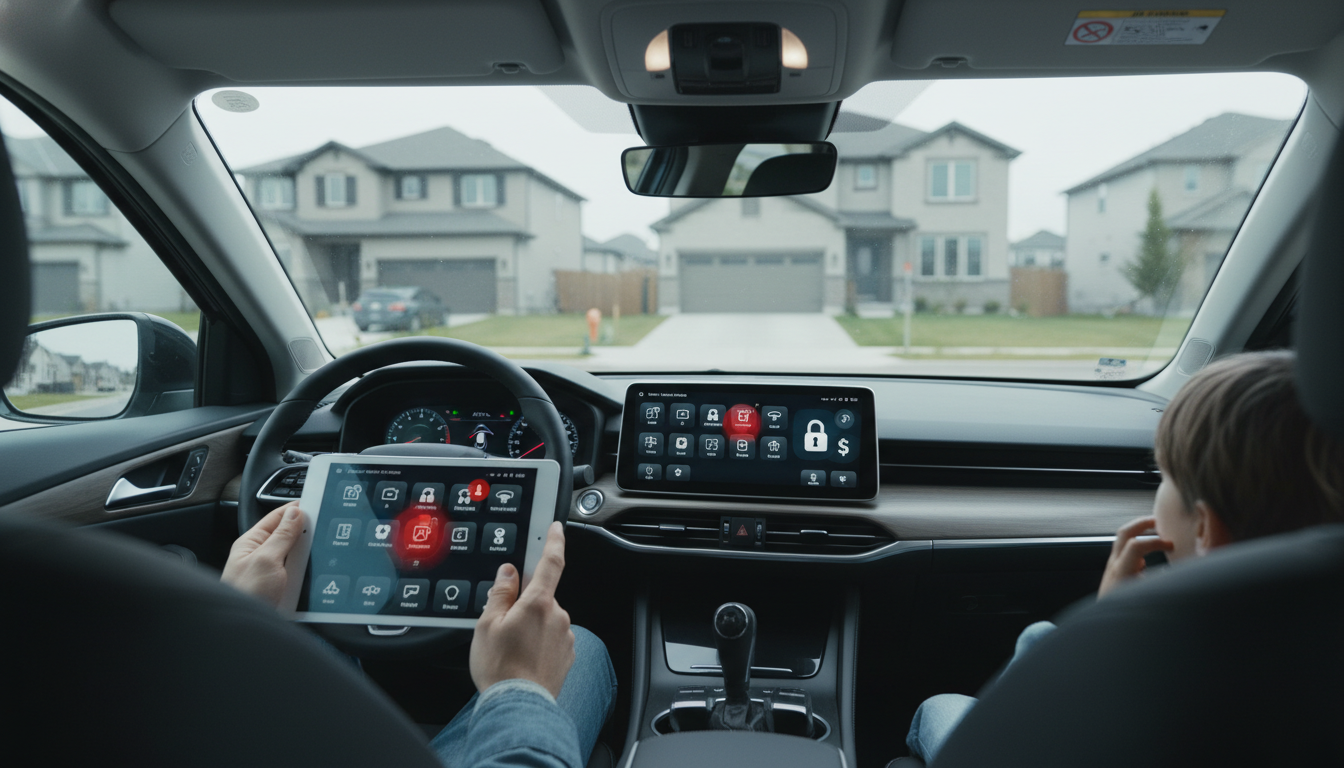
Smart homes can make everyday routines faster and more hands-off, but the trade-offs are real. The main downsides tend to fall into a few buckets: privacy, reliability, cost, and complexity. Understanding them upfront helps avoid frustration later—especially when a “simple” upgrade turns into ongoing maintenance.
Many smart devices work by listening, sensing, or tracking patterns (motion, temperature, occupancy, voice commands). That convenience can come with continuous data collection, cloud storage, and third-party access depending on the brand and settings. Even when companies don’t “listen” in the way people fear, metadata—when you’re home, what rooms you use, how often—can still be sensitive.
Every connected device is another point that could be misconfigured or exploited. Weak passwords, unpatched firmware, and budget devices with limited security support can create openings. A compromised smart plug might seem minor, but it can become a foothold into a home network that also connects laptops, cameras, and routers.
Smart homes often depend on stable internet, solid Wi‑Fi coverage, and cloud services. When a router glitches or a vendor’s servers go down, automations can stop working and app controls may lag. Some devices still function locally, but many features—remote access, voice assistants, routines—can degrade quickly during outages.
The upfront cost of devices is only part of the story. Batteries, replacement sensors, hubs, and higher-quality routers add up. Some popular features—video recording, advanced alerts, or extended storage—may require monthly fees, and multiple subscriptions can quietly become a recurring expense.
Mixing brands can lead to fragmented apps and inconsistent experiences. Updates may change how automations run, and troubleshooting can become its own chore. If a smart home is meant to reduce workload, it helps to keep systems simple and build routines that support everyday habits—like cleaning schedules and reminders. For ideas on structuring helpful routines, see this smart home cleaning schedule guide.
Use a strong unique password for your Wi‑Fi, enable two-factor authentication where available, and keep device firmware updated. Put smart devices on a separate guest network or VLAN if your router supports it.







Leave a comment