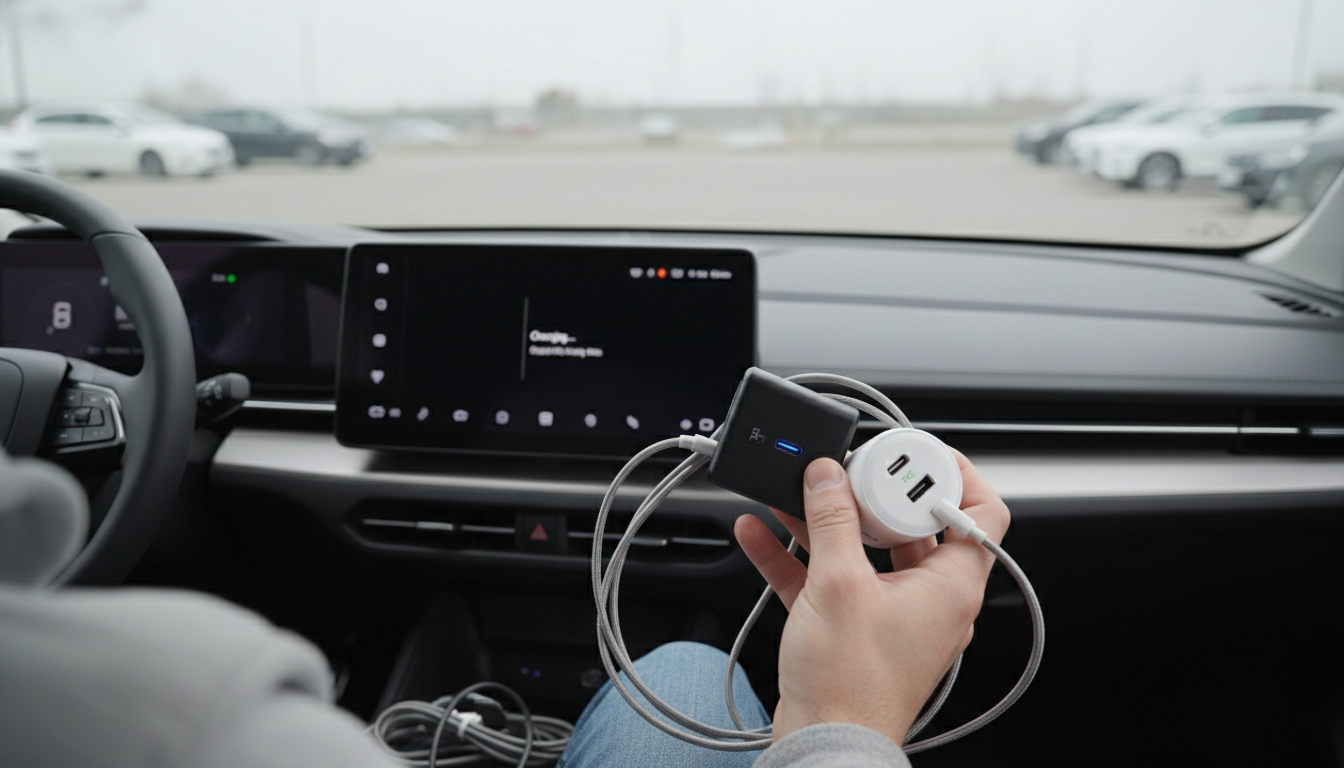
Neither is universally “better”—USB Power Delivery (PD) and Qualcomm Quick Charge (QC) are two fast-charging standards that shine in different situations. If the goal is the broadest compatibility with modern USB-C devices (laptops, tablets, phones, power banks, docks), PD is typically the safer pick. QC can be a great choice when a charger and phone both support it, especially in ecosystems built around Qualcomm-enabled Android devices.
PD is a USB-IF standard designed around USB-C and flexible power profiles, scaling from small gadgets up to higher-wattage devices. It’s the common language used by many USB-C chargers and cables for everything from phones to laptops. QC is a proprietary Qualcomm technology that originally focused on faster charging over USB-A and later expanded to USB-C with newer versions.
PD is usually the better option if you want one charger to handle multiple device types, especially anything that may need higher wattage (like a laptop or a tablet). It’s also the more straightforward match for USB-C to USB-C charging, where the cable, charger, and device negotiate power safely. For shoppers choosing a cable and charger for current USB-C gear, PD support is often the feature that prevents headaches later.
QC can be “better” when your phone explicitly supports Quick Charge and you already have (or prefer) QC chargers, including many USB-A fast chargers. In those cases, you can see strong charging performance without replacing your whole setup. Just keep in mind that QC benefits are most consistent when the charger and device share the same QC generation and the cable is appropriate for the power level.
If choosing between the two for a new USB-C setup, prioritize PD first, then consider QC as a bonus. For a deeper breakdown of PD 3.0, QC 4.0, and how 5A USB-C cables factor into real charging speeds, see the full guide here: https://mrsmattie.com/guide-100w-usb-c-to-usb-c-cable-pd-3-0-qc-4-0-5a-explained/.
Not by itself. A 100W-rated cable simply allows higher power safely; actual speed depends on the charger’s output and what the device is able to accept.







Leave a comment