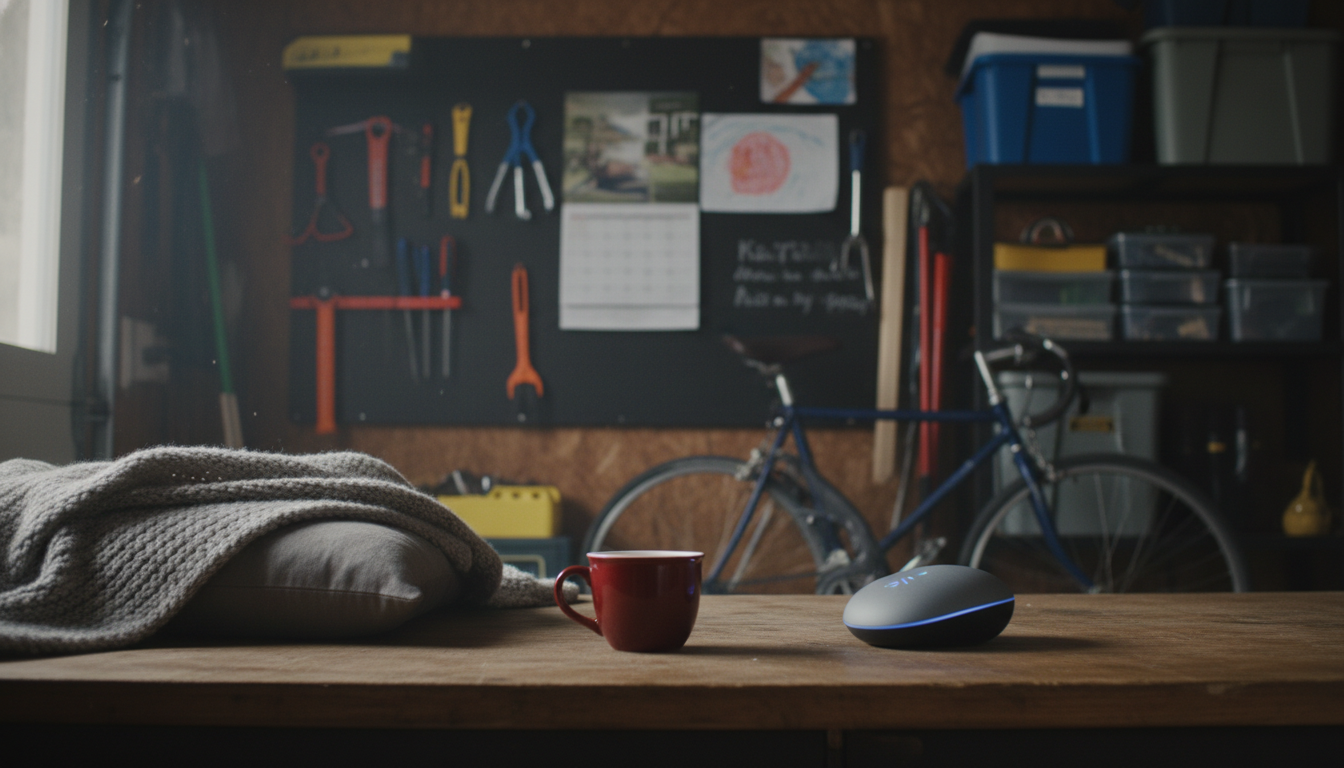
Sometimes—but not perfectly. Most AI nap trackers rely on signals like movement, heart rate, and breathing patterns (from a wearable) or motion and sound (from a phone). A true power nap usually shows a shift into lighter sleep stages with more consistent breathing and a different heart-rate pattern than calm wakefulness. Quiet resting, on the other hand, can look “sleep-like” because movement drops and breathing slows, which can cause false positives.
The biggest divider is data quality. Wearables with heart-rate variability and continuous heart rate generally do a better job than phone-only trackers, because the physiological changes from wake to sleep can be subtle—especially during a short nap. Even then, if you’re lying still, meditating, or doing breathwork, the tracker may label it as sleep when it’s actually restful wakefulness.
AI models are trained to classify patterns, not read minds. If the inputs are limited (for example, just “no movement”), the model may assume sleep. Brief naps are also tricky because sleep onset can be gradual, and many people hover in a light, in-between state where it’s hard to confirm sleep without EEG-level data.
To get cleaner results, wear the tracker snugly, enable continuous heart-rate tracking, and log naps manually when the app allows it. If the device offers a “nap mode,” use it—those settings often tighten the detection thresholds for short sleep windows. Also compare how you feel after the session: a power nap often brings a noticeable alertness bump, while quiet rest tends to feel calming but less “resetting.”
Pairing short naps with consistent timing and light exposure tends to work better than chasing perfect sleep labels. For a step-by-step approach, see this guide to AI nap tracking and a 7-day routine for steadier energy.
Many people do best with 10–20 minutes for a quick boost without heavy sleep inertia. If you have more time, a full 90-minute cycle can also reduce grogginess compared with a random middle length.






Leave a comment