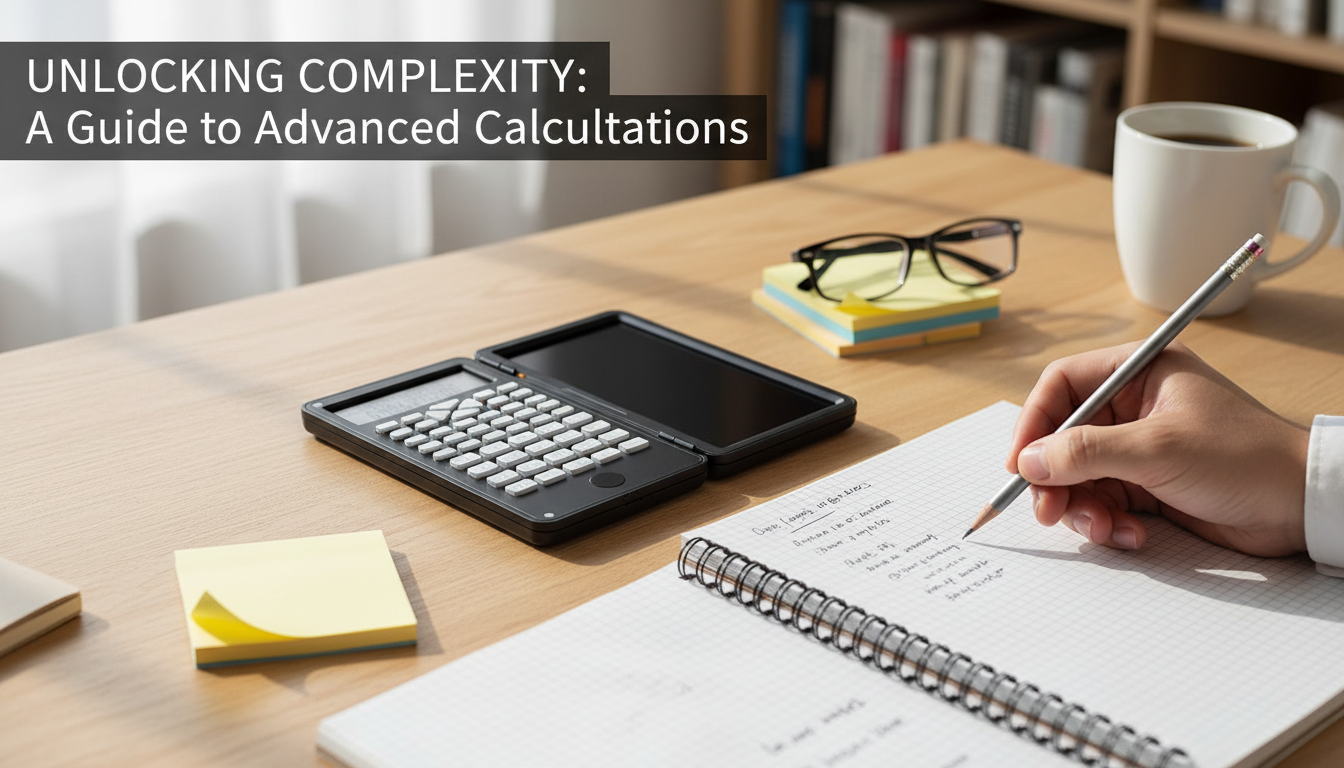
A calculator that also works as a quick-write pad can keep math, science, and finance work moving without hunting for scratch paper. This 3-in-1 design pairs scientific functions with a foldable erasable notepad and a large 6-inch display for clearer viewing during longer problem sets, homework sessions, and on-the-go calculations.
What This 3-in-1 Setup Does Differently
Most scientific calculators assume you’ll keep a notebook, scrap paper, or sticky notes nearby. A 3-in-1 design changes that rhythm by putting scratch space right where the calculations happen.
- Combines scientific calculating and a foldable erasable writing surface in one compact tool
- Large 6-inch display emphasizes readability for multi-step work and extended sessions
- Foldable form helps protect the writing surface and keeps the kit tidy in a backpack or desk drawer
- Reduces paper waste and prevents losing scratch notes between steps
Who It Fits Best
This format is especially useful when the work involves a repeating loop of “write a step, calculate, write the next step.” If that sounds familiar, it’s likely a good match.
- Students handling algebra, geometry, trig, chemistry, and physics-style calculations where scratch work is constant
- Parents and tutors supporting homework who want a clean, reusable workspace
- Office and home users doing quick budgets, measurements, conversions, and check calculations
- Anyone who prefers larger readouts for comfort and fewer input mistakes
Key Features That Matter Day to Day
On paper, lots of calculators list similar math functions. What tends to separate a tool you actually keep using is how smoothly it handles real-life workflow: intermediate results, quick notes, and visibility.
- Foldable erasable notepad for quick derivations, intermediate results, and reminders
- Large 6-inch display for easier reading at typical desk distance
- Scientific calculator layout for common math and science workflows
- All-in-one carry: calculator + reusable writing surface so fewer accessories are needed
- Helpful for checking work: write the step, calculate it, then adjust without starting over
How the Foldable Erasable Notepad Improves Workflow
The biggest benefit of a built-in erasable pad is not “writing instead of typing.” It’s keeping context visible while you work through multi-step problems.
- Keeps intermediate values visible while entering the next step, reducing re-computation
- Supports quick sketches (triangles, graphs, unit labels) that don’t belong on the calculator screen
- Useful for formula organization: write the equation, substitute values, then compute
- Foldable design helps avoid accidental marks and keeps surfaces cleaner during travel
For example, during a trig homework set you might write the given angle and side lengths, note which formula you’re using, then keep intermediate results (like sin/cos values) visible while you calculate the final answer. If you need to correct a single number, you can erase one line instead of searching for a new scrap of paper.
At-a-Glance Benefits Compared to Typical Options
Use this comparison to decide whether an integrated notepad is worth it for the way calculations are normally done.
| Feature |
Standard Scientific Calculator |
3-in-1 Calculator + Foldable Erasable Notepad |
| Scratch work |
Separate paper required |
Built-in reusable writing area |
| Desk clutter |
Often higher (paper, sticky notes) |
Often lower (one device) |
| Reviewing steps |
Depends on saving paper notes |
Steps can stay beside the keys during work |
| On-the-go use |
Easy to carry, but needs paper |
Easy to carry with built-in scratch space |
| Readability |
Varies by model |
Large 6-inch display emphasizes visibility |
Practical Use Cases (Homework to Home Office)
This type of calculator is most helpful when you need to keep numbers and notes in the same place. A few realistic scenarios:
- Math homework: keep the formula and substitutions on the notepad while calculating results
- Test practice: write down intermediate answers to avoid losing track across multi-part questions
- Science labs: jot quick measurements or unit conversions next to computed results
- Home projects: estimate area, materials, and costs while noting dimensions on the pad
- Budget checks: write categories or totals and verify with quick calculations
Tips for Comfortable Use and Care
- Use the notepad for intermediate values (not just the final answer) to reduce repeated re-entry mistakes.
- Keep the writing surface clean and erase fully to maintain clarity, especially for small symbols like negative signs.
- Fold it closed for travel to help protect the notepad surface inside a backpack or tote.
- For exams, verify the specific test’s calculator rules before relying on any device features. Official policies can be found at College Board (SAT Calculator Policy) and ACT (Calculator Policy).
Product Snapshot
More In-Stock Picks
FAQ
Is a calculator with an erasable notepad allowed on standardized tests?
Rules vary by test and sometimes by classroom, so it’s important to confirm the official calculator policy for the specific exam and check whether devices with extra features are permitted.
What is the advantage of a large 6-inch display during problem solving?
A larger readout is generally easier to see at normal desk distance, which can help reduce misreads and make longer study sessions more comfortable.
Does the foldable notepad replace scratch paper completely?
It can handle most intermediate steps and quick notes, but longer derivations or work you want to archive may still be better kept on traditional paper.
Recommended for you







Leave a comment