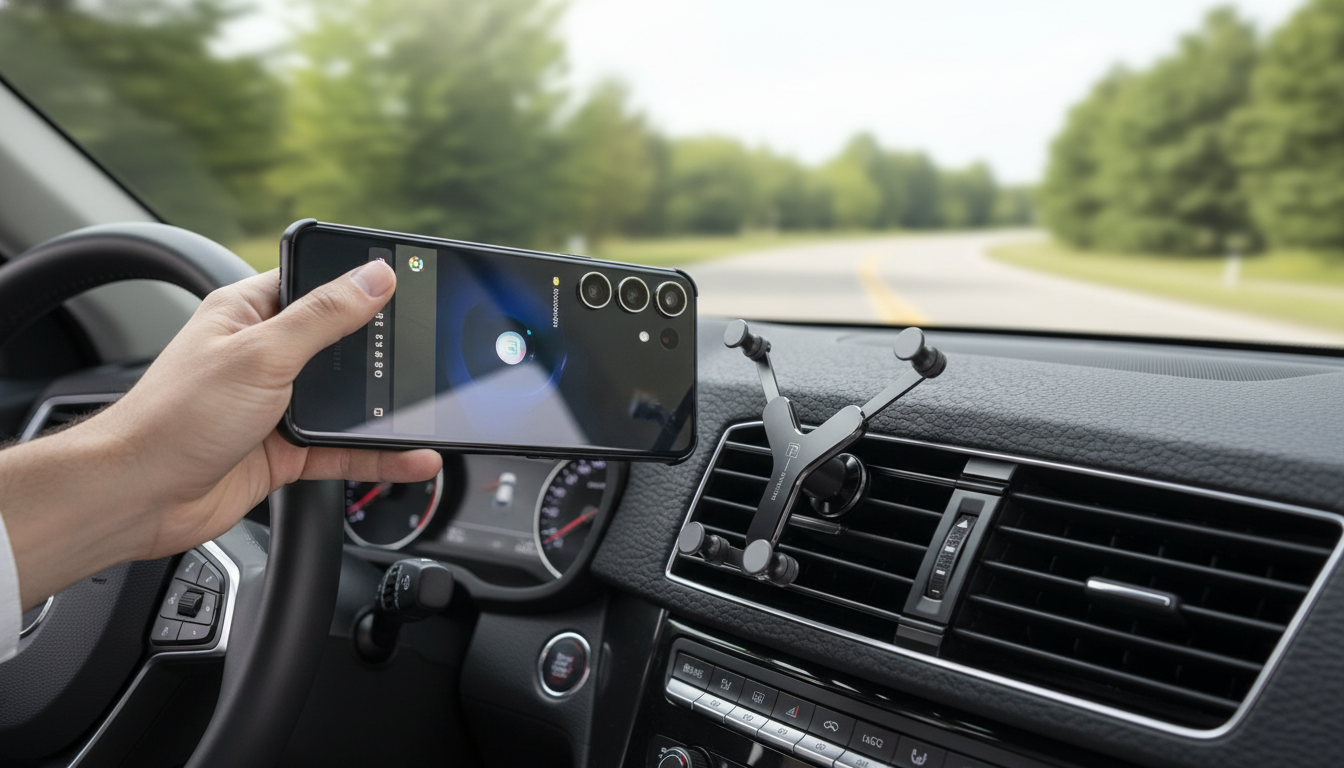
A gravity-style car phone holder keeps a Samsung phone steady with one-handed placement and removal, using the phone’s weight to tighten the side arms. The result is a simple “drop-in, lift-out” routine that helps keep your screen visible for maps and calls—without fumbling for clamps or buttons while you’re getting on the road. For more context on why minimizing manual phone interaction matters, see the NHTSA guidance on distracted driving.
A gravity mount relies on a basic mechanism: when you place your phone into the cradle, the phone settles downward and that downward force pulls the side arms inward. That means no squeezing triggers, no tightening knobs, and no remembering to press release buttons.
Most universal gravity holders cover a broad range of Samsung Galaxy sizes, but fit is still worth checking—especially if you use a rugged case or have a model with side buttons positioned exactly where the arms land.
| What to check | Why it matters | Fast way to confirm |
|---|---|---|
| Phone width (with case) | Determines whether the arms clamp securely | Measure the phone across the widest point with the case on |
| Case thickness | Extra bulk can stop the arms from closing fully | Try placing the phone between two flat objects ~1–2 cm apart and see how tight it feels |
| Side button location | Arms can accidentally press power/volume | Hold the phone where arms would land and check for button contact |
| Charging cable clearance | Prevents the holder from blocking plug-in charging | Plug in your cable and confirm the connector doesn’t collide with the base |
Choosing the right mounting spot is often the difference between “rock-solid” and “why is this wobbling?” The best location is one that keeps your phone close to your natural line of sight without blocking the road.
Regardless of style, prioritize a position that minimizes head and eye movement. A mount that’s “high and centered” can feel convenient until it becomes a visual obstruction.
A gravity holder’s clamping action works best when the base is stable and the phone is centered. A few quick setup habits reduce vibration and keep the phone from twisting over bumps.
If you use wireless charging in the car, note that a gravity holder is primarily about secure positioning; wireless charging performance depends on alignment with the charging coil and the charger’s standard (background details: Wireless Power Consortium).
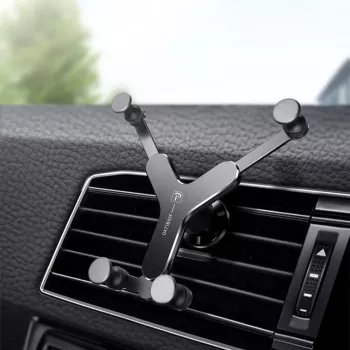
If you want a no-fuss mount that’s quick to use in daily driving, the Universal Gravity Car Phone Holder for Samsung is built around the gravity-assisted clamp idea: drop in the phone with one hand, let the arms tighten automatically, and lift out when you arrive.
| Item | Details |
|---|---|
| Product | Universal Gravity Car Phone Holder for Samsung |
| Price | $12.51 |
| Availability | In stock |
It can, but thick or rugged cases may prevent the arms from closing as tightly as they should. Measure your phone’s width with the case on and confirm the arms won’t sit awkwardly on bulky corners.
Yes—some setups block the charging port or force the cable to bend if the bottom clearance is tight. During setup, plug in your usual cable and verify it fits cleanly while the phone is fully seated.
It depends on the strength and angle of the vent blades; sturdy, straight vents tend to work best. Avoid overtightening and switch to dashboard or windshield placement if the mount wobbles or the vent feels fragile.






Leave a comment