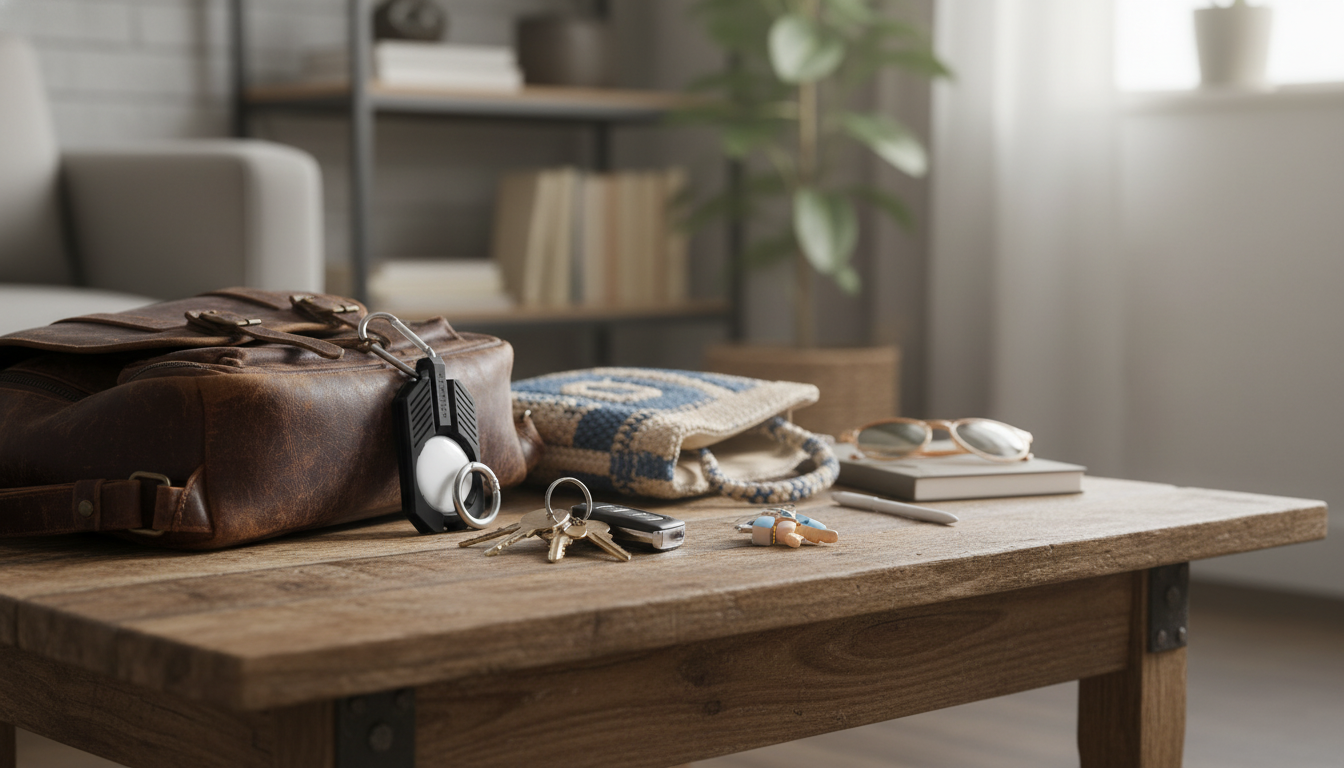
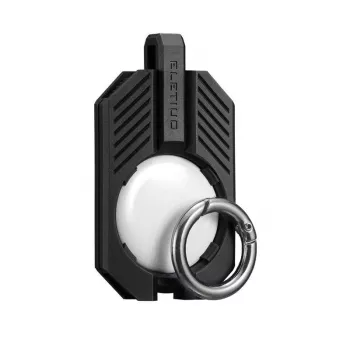
A simple silicone holder helps keep an AirTag protected and easy to attach to everyday items. With a snug fit and flexible material, it’s designed for quick swaps between keyrings, backpacks, luggage, or pet collars while helping reduce scratches and scuffs during daily use. If you’re setting up an AirTag for the first time, it can also make the tracker feel more “ready to carry” right away—no awkward loose disk sliding around in a pocket.
For reference on the tracker itself and pairing basics, see Apple AirTag and Apple’s setup steps in Apple Support: Set up AirTag.
An AirTag is built to be durable, but daily carry can still leave cosmetic wear—especially when it’s riding alongside metal keys, zipper pulls, or hard bag hardware. A silicone holder adds a thin buffer layer and a dedicated way to attach the tracker where it’s less likely to get banged up.
Silicone also tends to be quieter than bare metal-on-metal contact, which can make everyday key carry feel less clanky.
Before buying any holder, it’s worth confirming you’re shopping for the correct tracker shape. AirTag uses Apple’s round puck design, and many holders are molded specifically for that diameter and thickness.
Comfort isn’t just about touch—it’s also about how the holder sits. A low-profile silicone sleeve can reduce poking or pressure points when the tracker rests against your hand, a pocket seam, or a bag panel.
One of the biggest advantages of a silicone AirTag holder is how quickly it can move between items. Many people start with keys, then add AirTags to a travel bag or luggage handle, and later repurpose the same holder as needs change.
| Item | Best attachment spot | Why it works |
|---|---|---|
| Keyring | Main key loop | Stays centered and less likely to snag |
| Backpack | Inside zipper pull or inner D-ring | More discreet and better protected |
| Suitcase | Handle loop or luggage tag ring | Easy to spot while staying secure |
| Pet collar | Metal ring near buckle (not dangling too low) | Reduces swing and improves comfort |
A good fit starts with proper seating. Even a well-molded holder can feel “loose” if the AirTag isn’t fully pressed into place around the rim.
If you’re using the holder on something that gets tugged a lot (like luggage or a frequently grabbed bag strap), it’s smart to check the ring and loop every so often—small wear spots tend to show up there first.
For a deeper overview of how locating works day to day, Apple’s guide to the network and app features is helpful: Apple Support: Find My app.
If you want a simple, flexible way to attach and protect your tracker, our Silicone AirTag Holder is a budget-friendly pick for everyday use. It’s a practical add-on for a new AirTag setup, and it also works well as a replacement when an older holder starts to stretch or wear out.
In typical use, silicone won’t block Bluetooth signals, so tracking performance is generally unchanged. Signal issues are more likely when the AirTag is surrounded by metal objects or placed deep inside tightly packed bags than from the silicone sleeve itself.
Yes, as long as it’s securely attached and positioned to minimize excessive dangling. Check comfort and tightness regularly, and inspect the loop area for wear so the holder stays safe and secure during daily activity.
Rinse it with mild soap and water, then dry it completely before reattaching it to fabric items. Avoid harsh cleaners, and occasionally check for thinning or small tears near the attachment loop.






Leave a comment